
If your trip includes both the United States and Canada, a North America eSIM can be the simpler choice when the selected plan covers both destinations. Use a USA eSIM for a United States-only trip, a Canada eSIM for a Canada-only trip, and a North America eSIM for supported cross-border travel.
This guide helps you choose the right setup before you fly, drive, or take the train across the border.

Quick answer for USA and Canada trips
A USA and Canada eSIM works best when your itinerary includes both countries and you want one prepaid data setup for maps, rideshare apps, messaging, email, travel bookings, and hotspot where supported. ZenRoam North America eSIM plans are designed for supported regional travel across the United States, Canada, and Mexico, with instant digital delivery, 4G/5G LTE data, free hotspot where supported, and no contract.
Before checkout, confirm that your selected plan includes the countries on your route. Coverage, speed, and hotspot can vary by plan, device, exact location, and local network conditions.
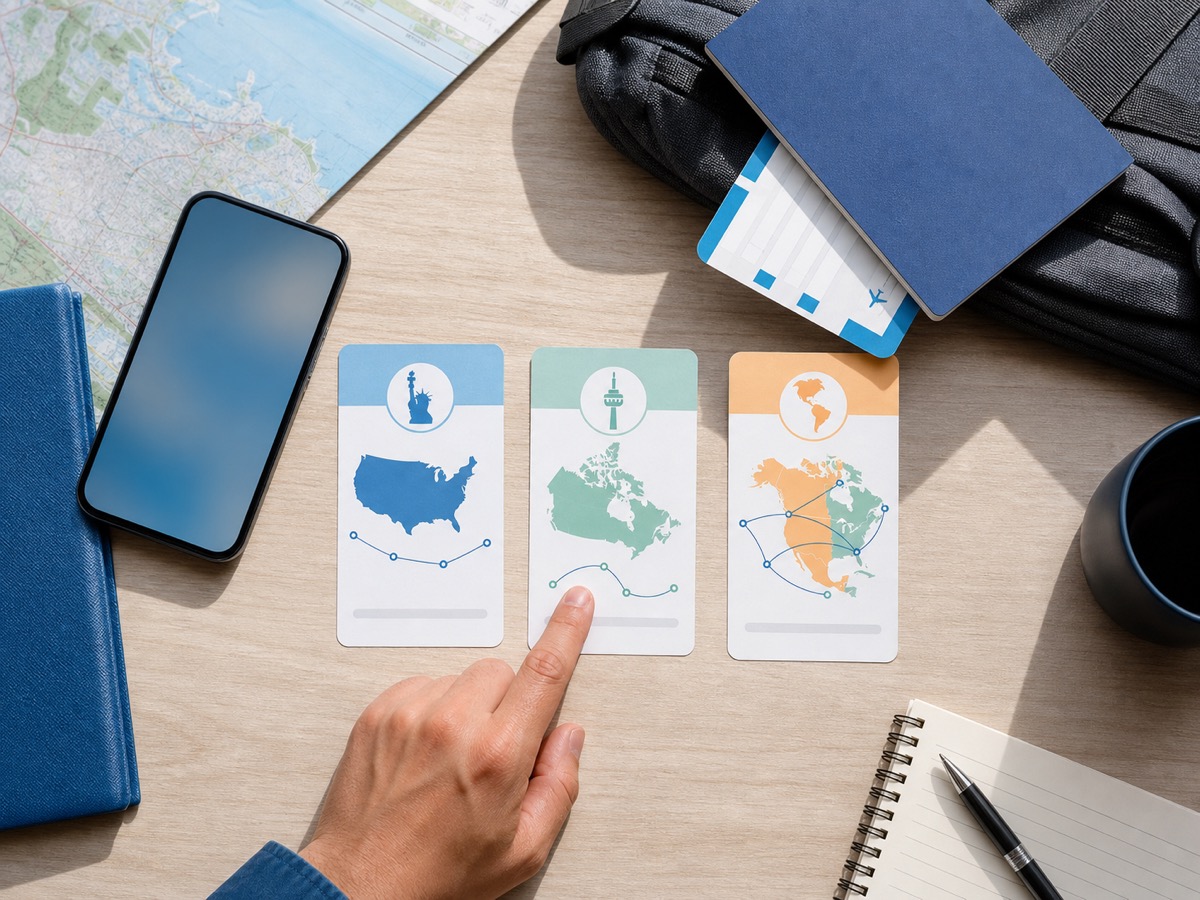
Choose by itinerary
Start with the shape of your trip. A regional eSIM is useful when the border is part of the plan. A single-country eSIM is cleaner when your whole trip stays in one country.
| Trip type | Best starting point | Why it fits | Where to go next |
|---|---|---|---|
| USA only | USA eSIM | Your mobile data needs are limited to the United States. | View USA eSIM plans |
| Canada only | Canada eSIM | Your trip stays inside Canada. | View Canada eSIM plans |
| USA plus Canada | North America eSIM | One regional setup can be easier than buying and managing two separate plans. | Compare North America eSIM plans |
| USA, Canada, and Mexico | North America eSIM | A regional plan is built for supported multi-country travel in North America. | Compare North America eSIM plans |
| Business trip with a main work number | Main SIM for calls, eSIM for data | You can keep your original number reachable while using travel data on the eSIM line. | Review eSIM travel settings |
When one regional eSIM makes sense
Choose a regional USA and Canada eSIM when your route crosses the border and you want fewer moving parts. This works especially well for road trips, multi-city flights, sports travel, family visits, conferences, and remote work stays that include both countries.
One regional setup can help you avoid buying a separate plan after you arrive in the second country. It also keeps your pre-trip checklist simpler: install once, save your setup email, and switch the eSIM on when the trip starts.
Good examples
- New York and Toronto in the same week
- Seattle and Vancouver by car or train
- Boston, Montreal, and Quebec City
- World Cup or event travel that includes host cities in more than one country
- A work trip where you need maps, email, chat, and laptop hotspot across both countries
When separate USA or Canada plans make more sense
Separate country plans can be a better fit when your itinerary is simple. If you spend your entire trip in the United States, start with USA eSIM plans. If every travel day is in Canada, start with Canada eSIM plans.
Separate plans may also make sense if your data use is very different in each country. For example, you may need a larger data allowance for a long USA road trip and only a small amount of data for a short Canada stop. Check plan details before checkout so the data amount and validity match your travel days.
What to check before crossing the border
A cross-border eSIM is simple when the plan details match your route. Use this checklist before you buy.
| Check | Why it matters | What to do |
|---|---|---|
| Country coverage | Your eSIM needs to include every country on your itinerary. | Confirm USA and Canada are included in the selected North America plan. |
| Phone compatibility | Travel eSIMs require an eSIM-compatible and unlocked phone. | Check if your phone supports eSIM before checkout. |
| Validity window | Your plan should cover both sides of the trip. | Match plan days to your first and last travel day. |
| Data amount | Maps, video, hotspot, and uploads can use data quickly. | Choose more data if you will work, stream, navigate often, or share hotspot. |
| Hotspot | Laptop and group travel often need tethering. | Check hotspot support for your plan, phone, and network conditions. |
| Main number | Travel eSIMs are often data-only. | Keep your original SIM active if you need calls, texts, banking codes, or WhatsApp continuity. |
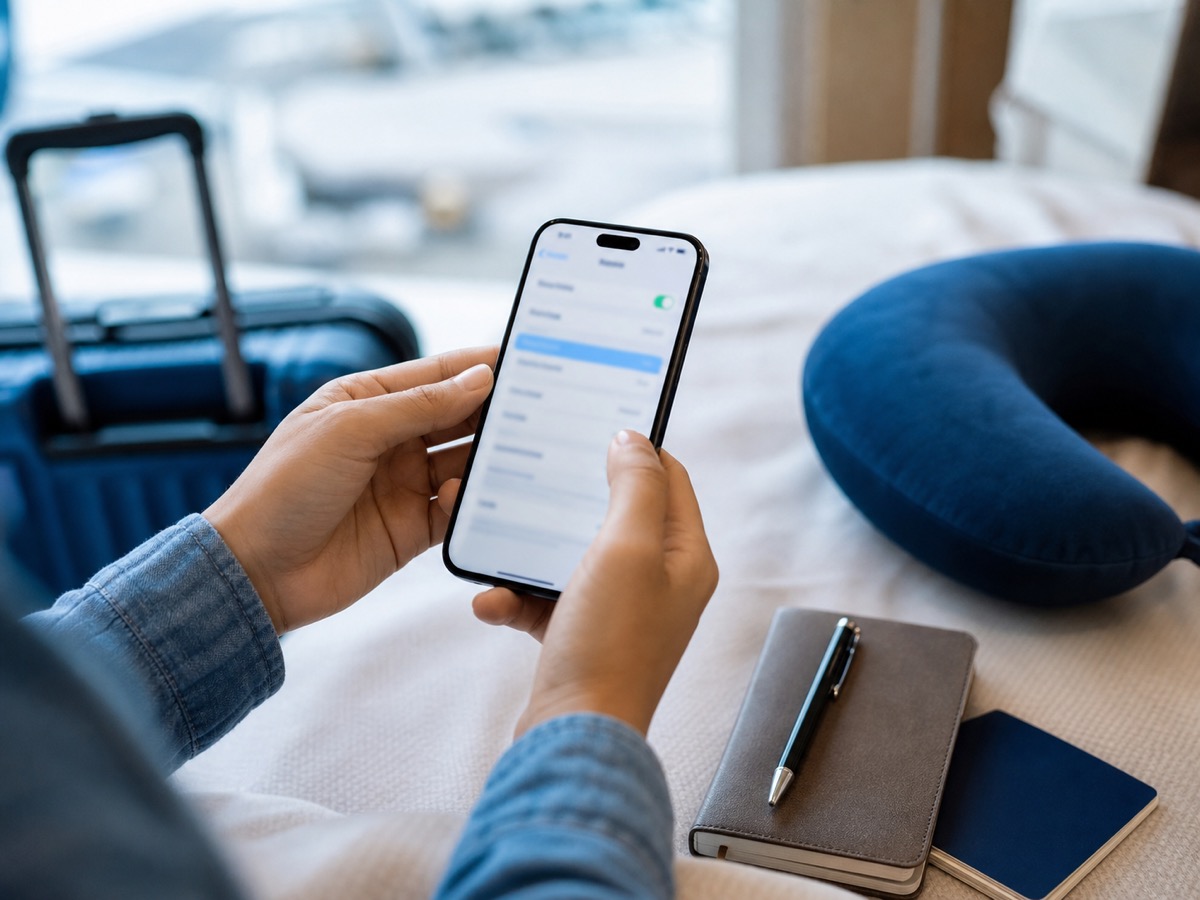
How to set up your phone before departure
Install your eSIM before your trip while you have stable Wi-Fi. Keep the eSIM turned off or on standby until travel starts, depending on your phone and plan instructions. When you arrive, set the travel eSIM as your mobile data line and enable data roaming for that eSIM line if the setup instructions require it.
Keep your main SIM available for your original number. On most dual SIM phones, that lets you use the travel eSIM for data while your regular number stays reachable for calls, texts, or app verification. For step-by-step setup, see how to install an eSIM with a QR code and how to use an eSIM for international travel.
Cross-border setup tips
- Save your eSIM setup email offline.
- Label your lines clearly, such as Main and Travel Data.
- Turn off data roaming on your main SIM if you want to avoid carrier roaming charges.
- Use the travel eSIM as the mobile data line.
- Restart your phone after crossing the border if the network does not refresh within a few minutes.
How much data do you need for a USA and Canada trip?
Your data need depends on the length of the trip and how often you use maps, video, cloud backups, and hotspot. A light traveler may only need data for navigation, messaging, bookings, and rideshare apps. A remote worker or heavy hotspot user should choose a larger data plan.
| Traveler type | Typical usage | Planning note |
|---|---|---|
| Light traveler | Maps, messaging, email, tickets, rideshare | Choose enough data for daily navigation and airport arrival needs. |
| Family or group traveler | Maps, photos, restaurant searches, shared hotspot | Plan extra data if one phone will share hotspot. |
| Business traveler | Email, calendar, Slack, maps, hotspot for laptop | Choose a larger plan and confirm hotspot support. |
| Event traveler | Digital tickets, stadium apps, rideshare, uploads, group chat | Save important tickets offline when possible and keep mobile data ready for dynamic apps. |
| Digital nomad | Hotspot, video calls, cloud tools, navigation | Use hotel or coworking Wi-Fi for large uploads when available. |
Plan ahead for events and busy travel days
Large sports events, summer holidays, conferences, and long weekends can make travel days more stressful. Mobile data helps with rideshare pickup, gate changes, digital tickets, hotel check-in, restaurant bookings, and group messages.
For 2026 North America event travel, a regional eSIM can be useful if your route includes host cities in both the USA and Canada. Keep the article evergreen by using the same rule for any future event: choose a regional plan when your trip crosses countries, and choose a country plan when it does not.
Choose the right ZenRoam page
ZenRoam keeps the purchase path simple. Use the page that matches your actual route.
- North America eSIM plans: for supported USA, Canada, and Mexico cross-border travel.
- USA eSIM plans: for United States-only trips.
- Canada eSIM plans: for Canada-only trips.
With ZenRoam, you can buy before departure, receive setup details by email, install the eSIM digitally, keep your original number active on your main SIM if your phone supports dual SIM, and travel with prepaid data and no contract.
Compare North America eSIM plans for your USA and Canada trip.
USA and Canada eSIM FAQ
Can I use one eSIM for the USA and Canada?
Yes, if the selected regional plan includes both countries. For ZenRoam, start with North America eSIM plans for supported cross-border travel.
Should I choose USA eSIM or North America eSIM?
Choose a USA eSIM if your full trip stays in the United States. Choose a North America eSIM if your itinerary includes supported travel in Canada or Mexico too.
Should I choose Canada eSIM or North America eSIM?
Choose a Canada eSIM if your trip stays in Canada. Choose a North America eSIM if you will also travel to the United States or Mexico.
Will my eSIM switch networks automatically at the border?
Your phone will usually search for an available local partner network when you enter a new coverage area. If data does not refresh after a few minutes, restart your phone, confirm the travel eSIM is selected for mobile data, and check that data roaming is enabled for the eSIM line when required.
Can I keep my original number while using a travel eSIM?
Yes, on many dual SIM phones you can keep your original SIM active for calls, texts, and verification codes while using the travel eSIM for mobile data. Your exact options depend on your phone, carrier, and SIM settings.
Can I use hotspot with a USA and Canada eSIM?
Hotspot may be available when your selected plan, phone, and local network support it. ZenRoam highlights free hotspot as a core travel benefit, but exact behavior can vary by plan and network conditions.
How much data do I need for a USA and Canada trip?
Light travelers need data mainly for maps, messaging, tickets, and rideshare. Business travelers, event travelers, and people sharing hotspot should choose more data and monitor usage during the trip.